KLING 4.0 · INDEPENDENT GUIDE

Kling V4.0 prompts, ready for your next shot

Sixteen original briefs. Copy a starting point, make it yours, and keep the camera intentional.

  • Free prompt workbench
  • No signup needed
  • Access status explained
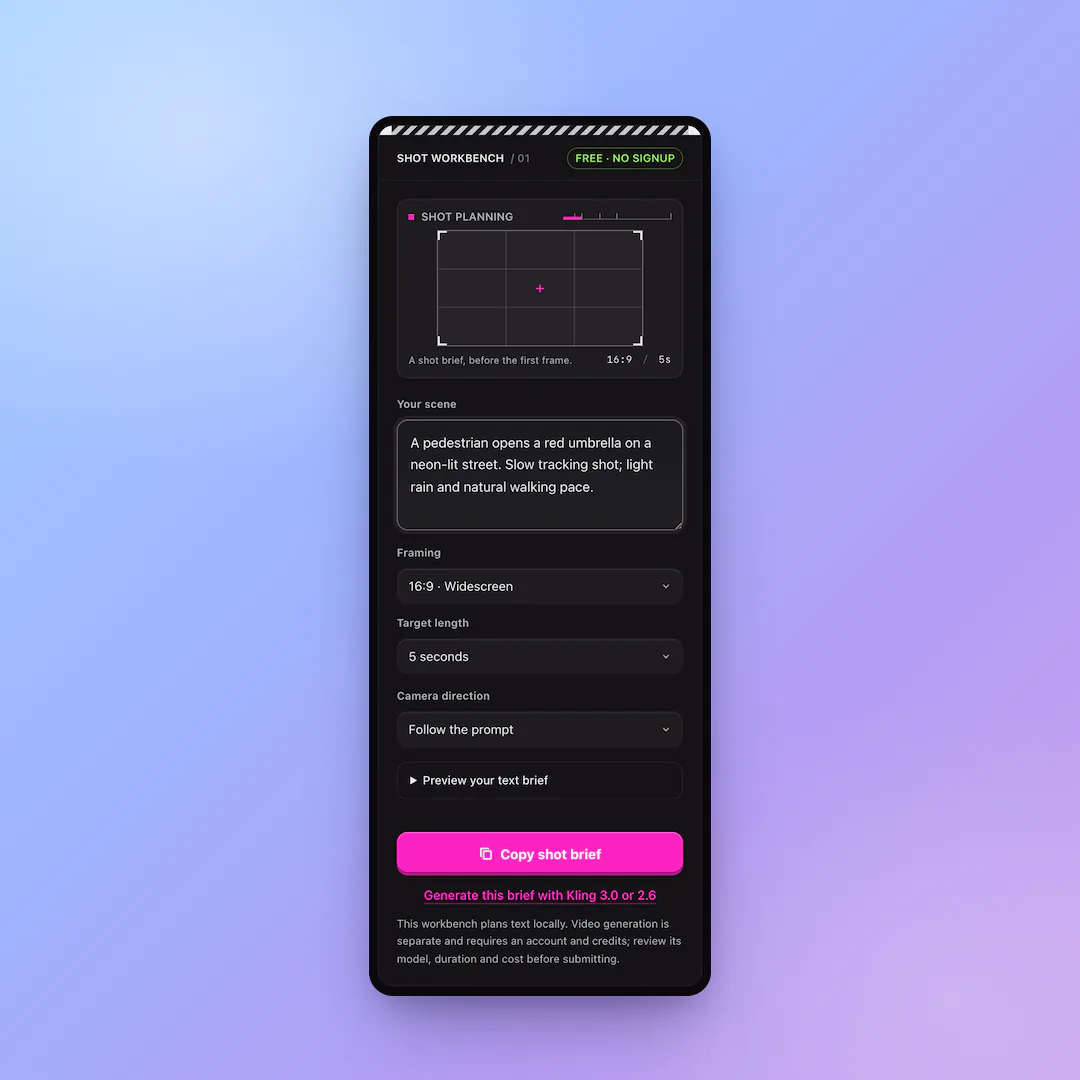
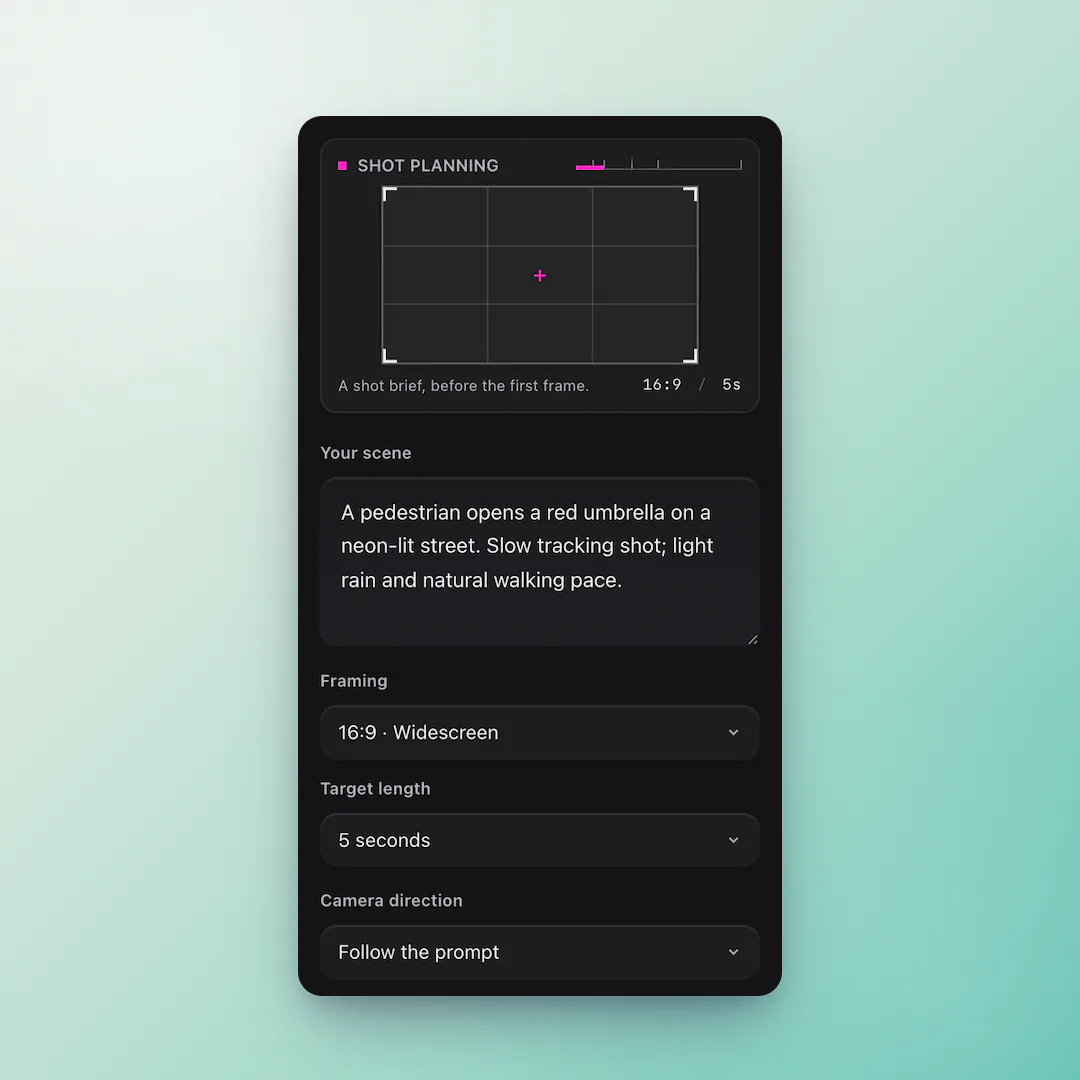
SHOT WORKBENCH / 01FREE · NO SIGNUP
Preview your text brief
A ceramic cup on a sunlit table. Steam curls upward as the camera slowly pushes in. Warm morning light, quiet room ambience.

Framing: 16:9. Target duration: 5 seconds; use a duration supported by the selected model.
Generate this brief with Kling 4.0

This workbench plans text locally. Video generation is separate and requires an account and credits; review its model, duration and cost before submitting.

At a glance

These Kling V4.0 prompts are original written examples for planning cinematic, product, reference-motion and social shots. They are free to copy and adapt, not tested v4 output samples or guaranteed results. Each describes a coherent moment. Use the workbench to add framing and timing, then verify the capabilities of the model you can access.

Library
16 original prompts
Groups
Cinema, products, motion and social
Cost here
Free to copy and adapt
Examples
Written briefs, not rendered samples

What to know before you start

  • 01

    A consistent structure

    Each example gives a subject and an action, with camera or lighting details supporting the scene rather than a list of unrelated effects.

  • 02

    Adapt what matters

    Replace the subject, setting or material while keeping a coherent shot. Make a simple test before adding more complexity.

  • 03

    Check model limits

    A prompt is a starting point, not a capability guarantee. Audio, duration and reference tools must be supported by the model you select.

From an idea to a prepared shot

  1. 01

    Define the moment

    Choose one subject and one visible action. Set the scene and lighting; for a reference image, concentrate on motion and the details that must remain consistent.

  2. 02

    Prepare the brief

    Pick an aspect ratio and a target duration, then choose one camera move. Copy the brief from the free workbench and save a version for later comparison.

  3. 03

    Render and review

    Generate with Kling 4.0, 3.0 or 2.6 and review the credit cost before submitting. Inspect the entire clip, including its last frames, before building on it.

The shot-prompt formula

Use subject, action, setting, light and camera. For a reference image, appearance comes from the image, so dedicate more words to motion and preserved details. For text to video, spell out the setting clearly enough that the shot does not depend on a missing reference.

Negative instructions help when they address a specific failure, such as unwanted camera shake. A long string of quality words is less useful than a precise correction to action or framing. Keep a prompt focused enough that you can tell which instruction affected the result.

Keep track of revisions

Save your original prompt and make named revisions. Change one variable: a locked camera, slower movement or wider framing. Comparing those versions helps identify what improved the clip and gives you a brief you can reuse.

These examples can be adapted to other accessible video models, but outputs vary. They are not benchmarked Kling 4.0 renders. Use authorized tests to evaluate continuity, adherence and editing suitability, and record the exact model and settings with each result.

16 shots to copy and adapt

Original written prompts. Adjust each shot to your subject and the model you can access.

Cinematic scenes

  • Rainy street

    A pedestrian opens a red umbrella on a neon-lit street. Slow lateral tracking shot; light rain, wet pavement reflections and natural walking pace.

  • Morning bakery

    A baker places a warm loaf on a wooden counter. Flour dust catches morning window light. Slow push-in from a medium shot; one continuous action.

  • Coastal reveal

    The camera rises slowly above dark coastal rocks to reveal the ocean at sunrise. Waves roll below; warm low light and stable movement.

  • Quiet station

    An empty rural train platform at blue hour. A distant train approaches; locked camera, soft mist and warm station lamps.

Product shots

  • Glass bottle

    A glass bottle on dark stone. A reflection slides across it as the camera makes a slow quarter orbit. Preserve label and shape; restrained studio light.

  • Ceramic cup

    A ceramic cup on a sunlit table. Steam curls upward as the camera slowly pushes in. Soft morning shadows and a neutral background.

  • Watch detail

    A wristwatch on a matte black pedestal. Soft rim light reveals the finish; slow camera movement from a medium shot toward the dial.

  • Fabric texture

    A linen garment beside an open window. A light breeze gently moves the fabric. Locked close-up, soft daylight and realistic folds.

Motion for a reference image

  • Portrait motion

    The person turns slightly toward the window and blinks once. Gentle push-in; preserve facial identity, hairstyle, clothing and the existing room.

  • Landscape motion

    Clouds drift slowly above the landscape and grass moves in a breeze. Preserve horizon and composition; subtle forward camera movement.

  • Food detail

    Steam rises from the dish. Slow close-up push-in; preserve ingredients, plate shape and table arrangement from the reference.

  • Pet moment

    The animal raises its head and looks toward the camera. Natural breathing and a small ear movement. Preserve appearance and background; locked camera.

Vertical social clips

  • Coffee pour

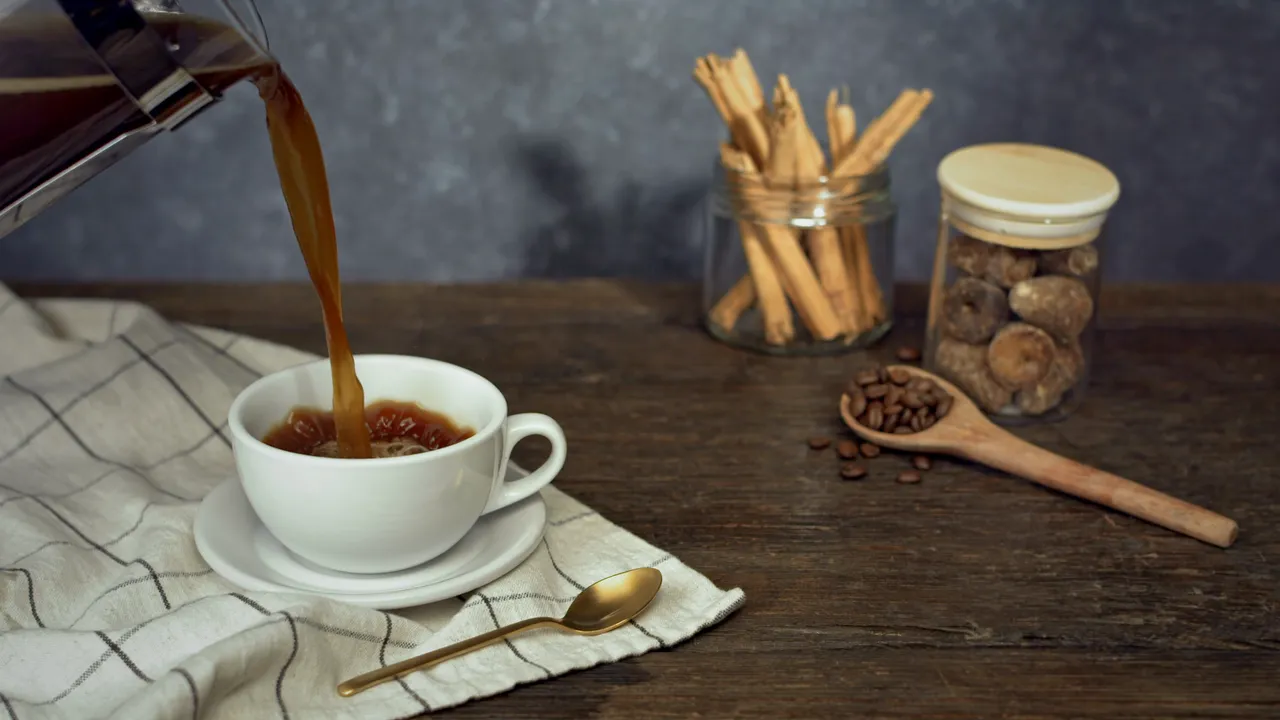
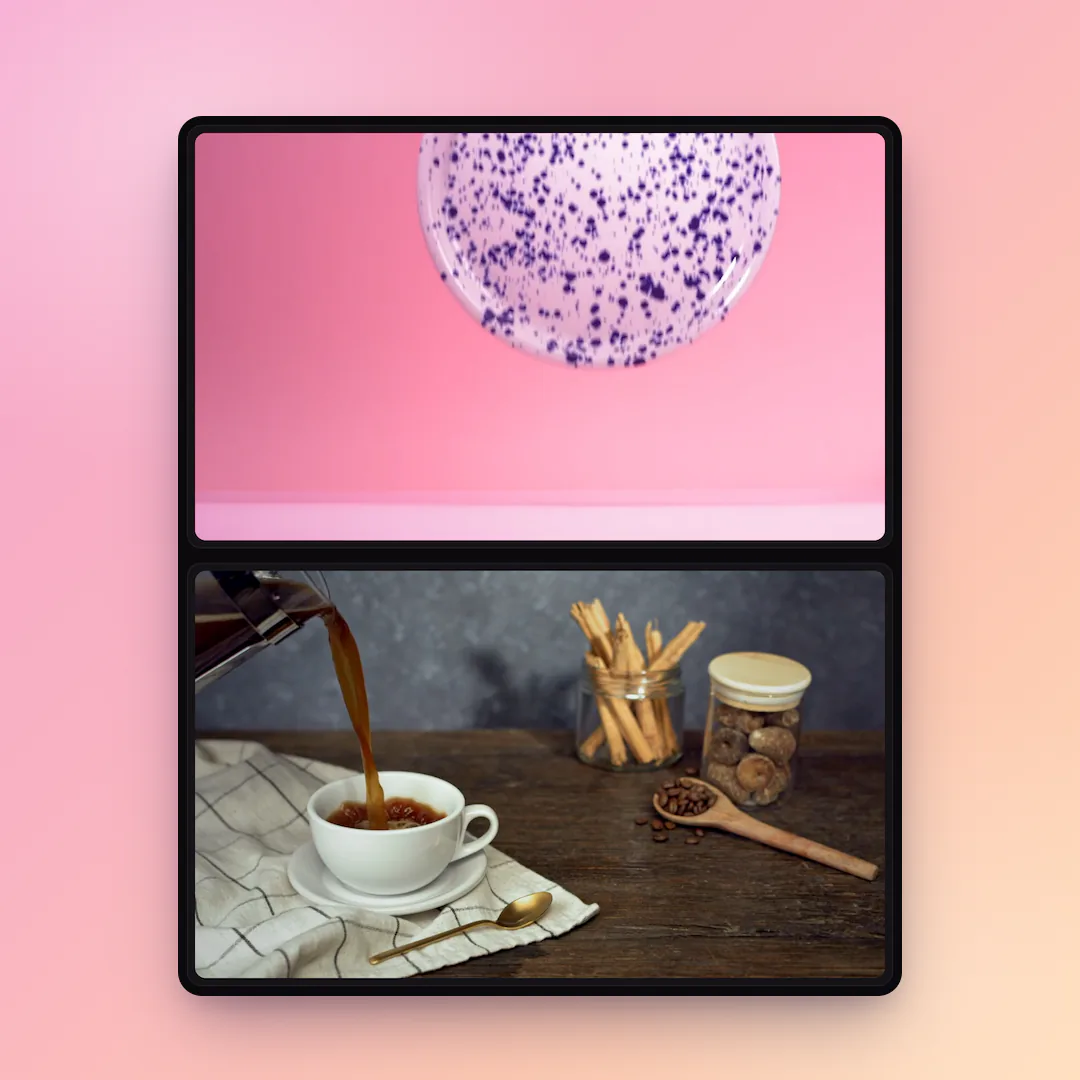
    Vertical close-up of hands pouring coffee into a glass cup. Steam rises in warm window light; steady camera and centered cup.

  • Travel moment

    Vertical shot of a traveler beside a mountain lake. Slow pullback reveals reflections and peaks; gentle wind in the jacket.

  • Matcha ritual

    Vertical overhead shot of hands whisking matcha in a ceramic bowl. Clean counter, soft morning light and small realistic movements.

  • Baking texture

    Vertical close-up of hands breaking a warm croissant. A few flakes fall onto the plate. Soft side light, steady framing and one continuous action.

Check the official sources

Release coverage reflects official information checked on October 8, 2026. Our generator's Kling 4.0 settings follow our gateway's catalog on November 25, 2026. Official access, settings and prices may differ by account.

Questions, answered

Are these Kling V4.0 prompts free?

Yes. Copy and adapt the text without an account here. Credits or subscription charges for rendering belong to your chosen generation service and are separate from this library.

Are these actual video samples?

They are written shot briefs, not rendered samples or benchmark results. We label them as prompts, not as Kling 4.0 renders.

Can I use them for image to video?

The reference-motion group is intended for an existing image. Match the subject and preserved details to your source; use the cinema and product groups as text-to-video starting points.

Turn your idea into a clear shot

Plan a scene for free, then generate it with Kling 4.0, 3.0 or 2.6 using credits.

Last reviewed November 25, 2026

Create your account