





KLING 4.0 · INDEPENDENT GUIDE

Kling V4.0 free: what you can actually use

Free prompts today. Clear answers on video access, trials and credits before you sign up elsewhere.

  • Free prompt workbench
  • No signup needed
  • Access status explained
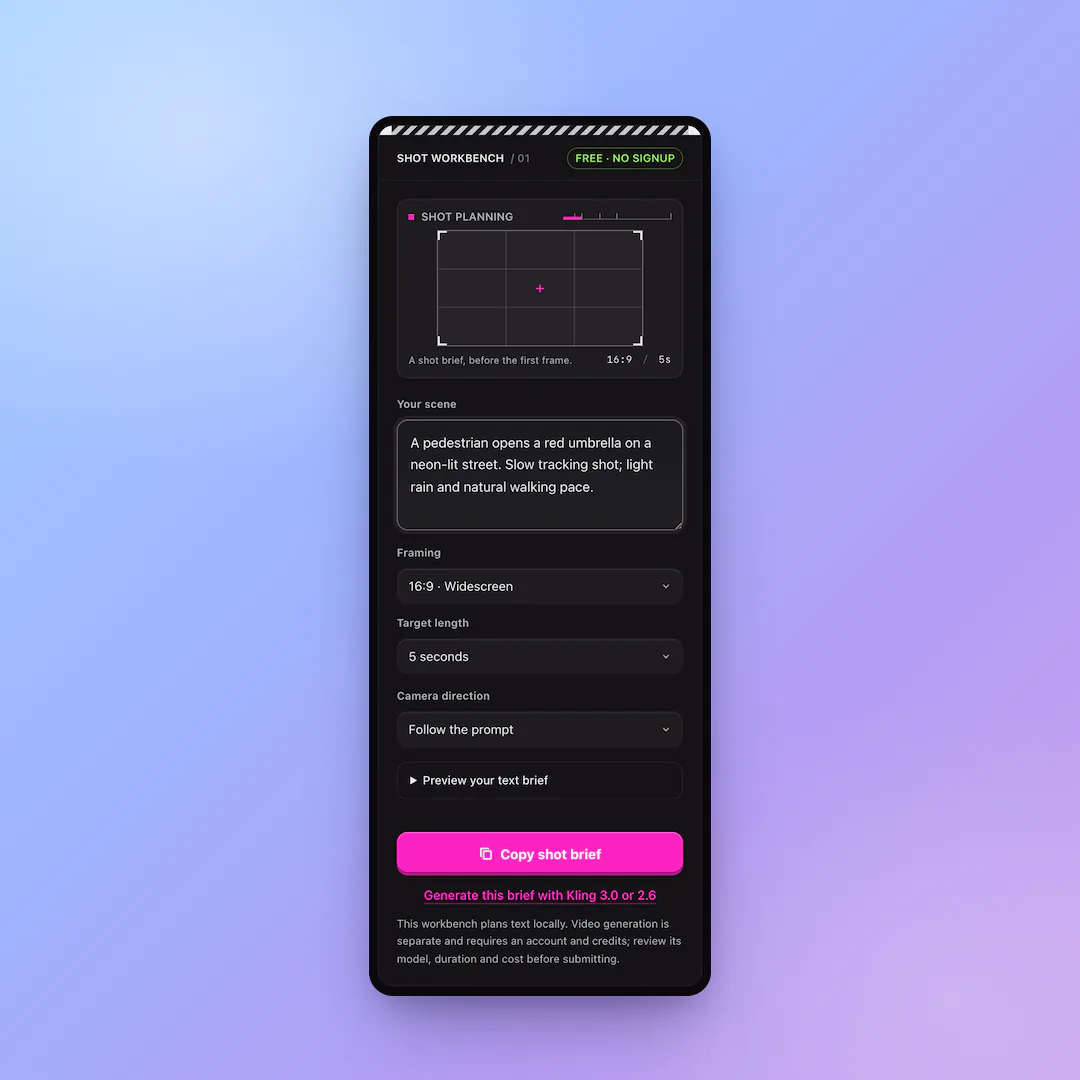
SHOT WORKBENCH / 01FREE · NO SIGNUP
Preview your text brief
A ceramic cup on a sunlit table. Steam curls upward as the camera slowly pushes in. Warm morning light, quiet room ambience.

Framing: 16:9. Target duration: 5 seconds; use a duration supported by the selected model.
Generate this brief with Kling 4.0

This workbench plans text locally. Video generation is separate and requires an account and credits; review its model, duration and cost before submitting.

At a glance

Kling V4.0 free can mean free generation, trial credits or free tools for writing prompts. These are different offers. GetKling4 provides a free prompt library and local shot workbench without registration. Kling 4.0 rendering here uses purchased credits, not a free trial. Official trial credits and eligible models must be checked in the Kling service.

Free here
Prompt library and shot workbench
Free planning
No registration required
Video rendering
Paid: Kling 4.0, 3.0 and 2.6
Official credits
Check the current account offer

What to know before you start

  • 01

    Read what free includes

    A prompt tool helps you plan a video; it does not pay for a render. A trial may include credits while excluding a new model.

  • 02

    Check eligibility first

    Confirm the exact model, output limits and cost in the official interface. An older-model credit allowance does not guarantee Kling 4.0 access.

  • 03

    Prepare before spending

    A focused prompt makes iteration easier. Decide the composition and action first, then change one setting at a time rather than generating unrelated attempts.

From an idea to a prepared shot

  1. 01

    Define the moment

    Choose one subject and one visible action. Set the scene and lighting; for a reference image, concentrate on motion and the details that must remain consistent.

  2. 02

    Prepare the brief

    Pick an aspect ratio and a target duration, then choose one camera move. Copy the brief from the free workbench and save a version for later comparison.

  3. 03

    Render and review

    Generate with Kling 4.0, 3.0 or 2.6 and review the credit cost before submitting. Inspect the entire clip, including its last frames, before building on it.

Free access versus free planning

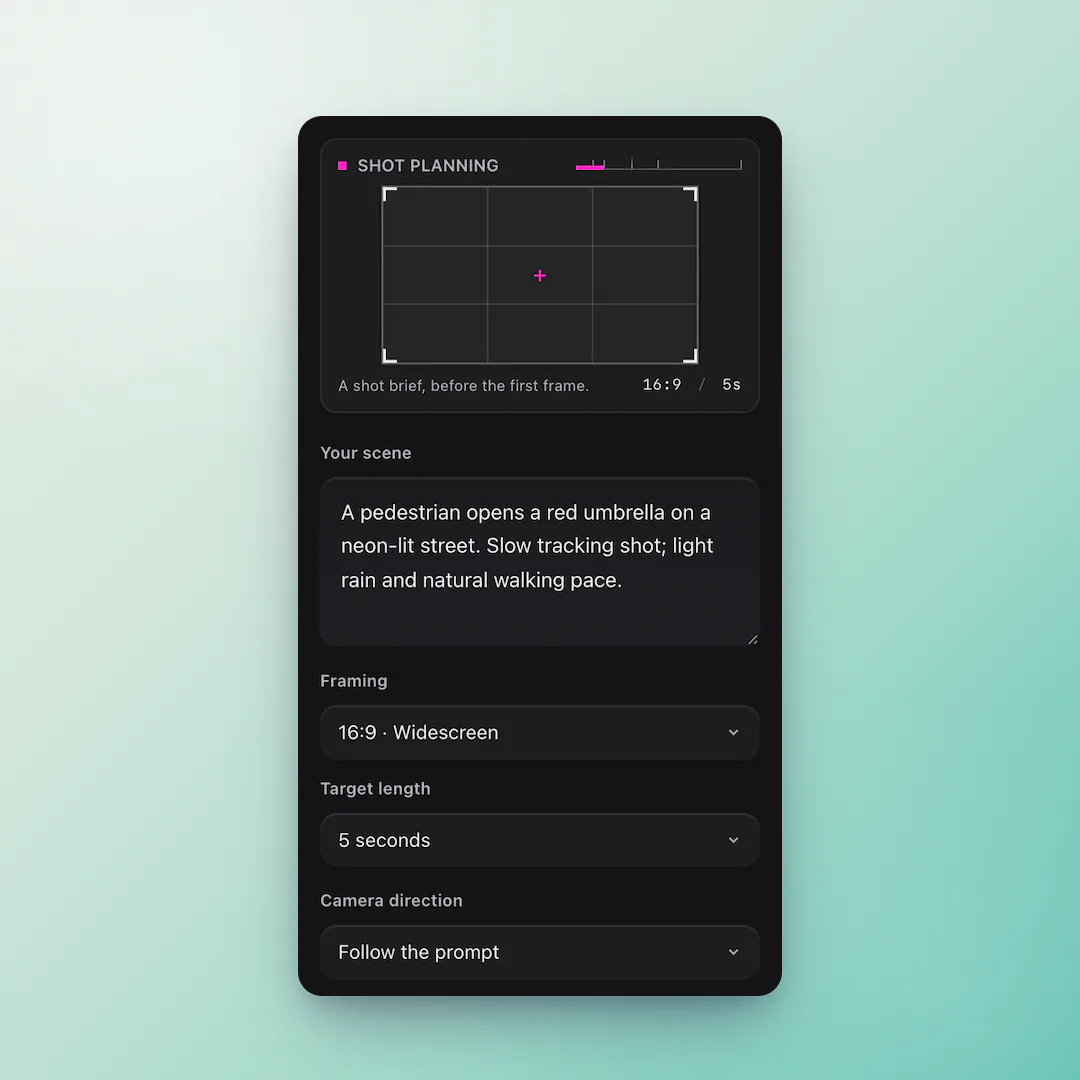
A useful free workflow starts before a video is generated. You can write the scene, compare framing, outline a camera move and refine the prompt without spending model credits. The workbench on this page does exactly that. Its output is a text brief, not a rendered preview or an MP4.

When checking another service, ask whether it provides actual Kling 4.0, Kling 4.0 Flash or an earlier model. Similar page titles can describe different products. Read the model selector and the price confirmation instead of relying on a search snippet that says free.


Evaluate a credit offer

Check credit quantity, cost for your duration, eligible models, expiry and whether a card is required. A trial can be useful while excluding a newly released model. Credit costs may also differ between standard and higher-quality modes, so the number of credits alone does not tell you how many clips you can make.

Do not assume an old screenshot reflects today's offer. We do not publish a fixed official free-credit allowance because eligibility can change by account and date. Read the release guide for context, then verify the actual offer in your account before a purchase or generation.

Check the official sources

Release coverage reflects official information checked on October 8, 2026. Our generator's Kling 4.0 settings follow our gateway's catalog on November 25, 2026. Official access, settings and prices may differ by account.

Questions, answered

Is Kling V4.0 free without signup?

Our prompt builder and guides are free without signup. Official Kling generation may require an account and eligible credits or a subscription. There is no anonymous Kling 4.0 rendering on this site.

Do I need a credit card here?

No card is needed for guides or the free prompt workbench. Video generation with Kling 4.0, 3.0 or 2.6 requires an account and purchased credits. Review the model and credit price before buying.

Do Kling 3.0 credits include Kling 4.0?

On GetKling4, one credit balance covers Kling 4.0, 3.0 and 2.6 at each model's price per second. In the official Kling service, credit balances and model eligibility are separate conditions, so check the exact model and cost there before submitting a job.

Turn your idea into a clear shot

Plan a scene for free, then generate it with Kling 4.0, 3.0 or 2.6 using credits.

Last reviewed November 25, 2026

Create your account