KLING 4.0 · INDEPENDENT GUIDE

Kling V4.0 video generator. Start with a better shot.

Generate Kling 4.0 videos with native audio, from the first idea to the final shot. Plan the prompt for free, then render it with credits. GetKling4 is an independent third-party site, not affiliated with or endorsed by Kuaishou Technology.

  • Kling 4.0 with native audio
  • 3–30 second clips
  • Free prompt workbench

Create

One optional starting image (PNG, JPEG, WebP, up to 10 MB)
Model
Aspect ratio
Length

225 credits

Buy credits

Your videos

Your next shot plays here

Describe a shot and its sound, choose a model and length, then generate. Videos are saved to your account.

Start from an idea

At a glance

Kling V4.0 is the Kling AI video model family announced on September 30, 2026. Since November 25, 2026, GetKling4 generates Kling 4.0 clips of 3–30 seconds at 1080p with native stereo audio, from text or one starting image, for 45 credits per second. Kling 3.0 and 2.6 are also offered. The prompt workbench is free without an account.

Model family
Kling 4.0 / V4.0
Announcement
September 30, 2026
Kling 4.0 here
45 credits per second, 3–30 s
Free here
Prompts, guides and shot planning

Plan the shot for free

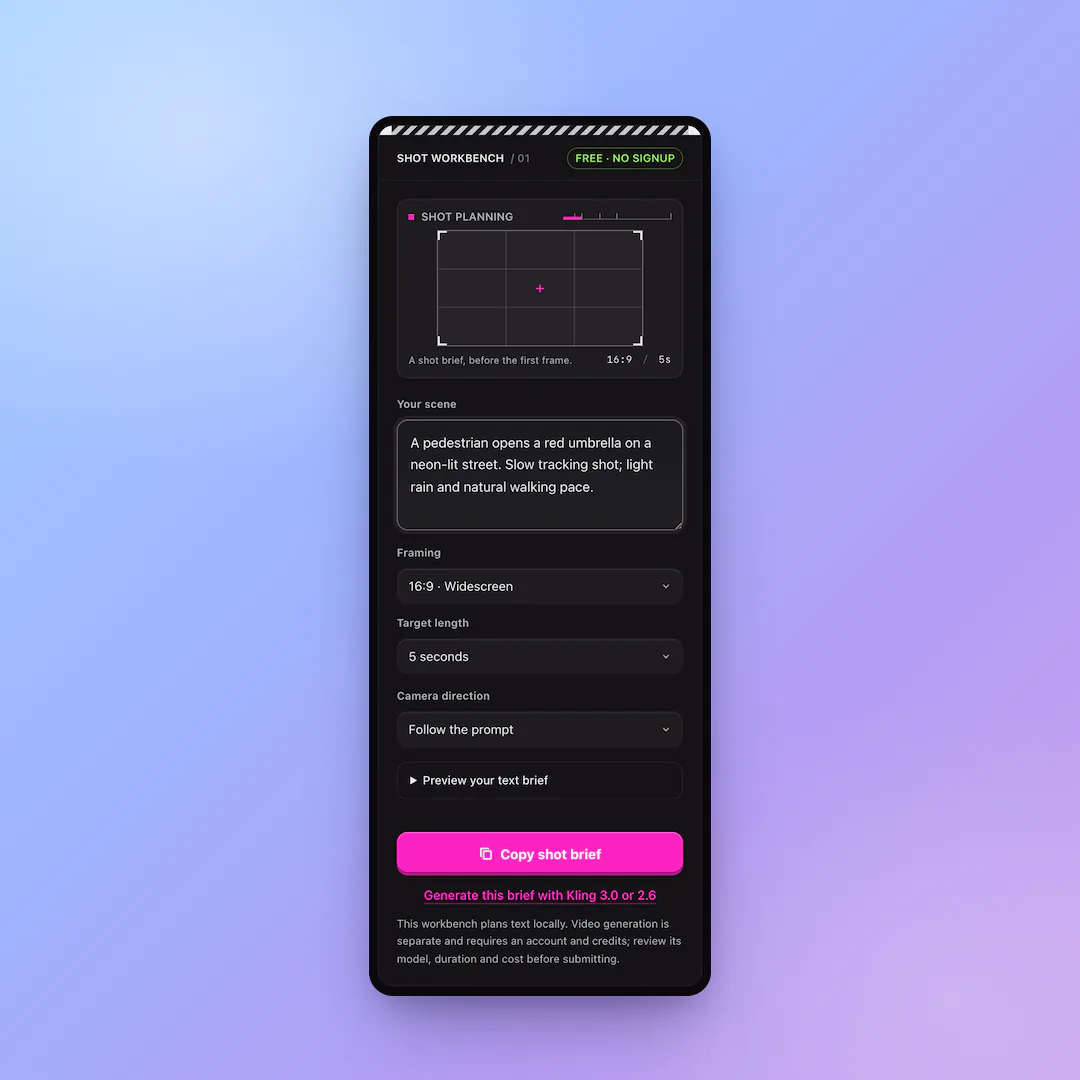
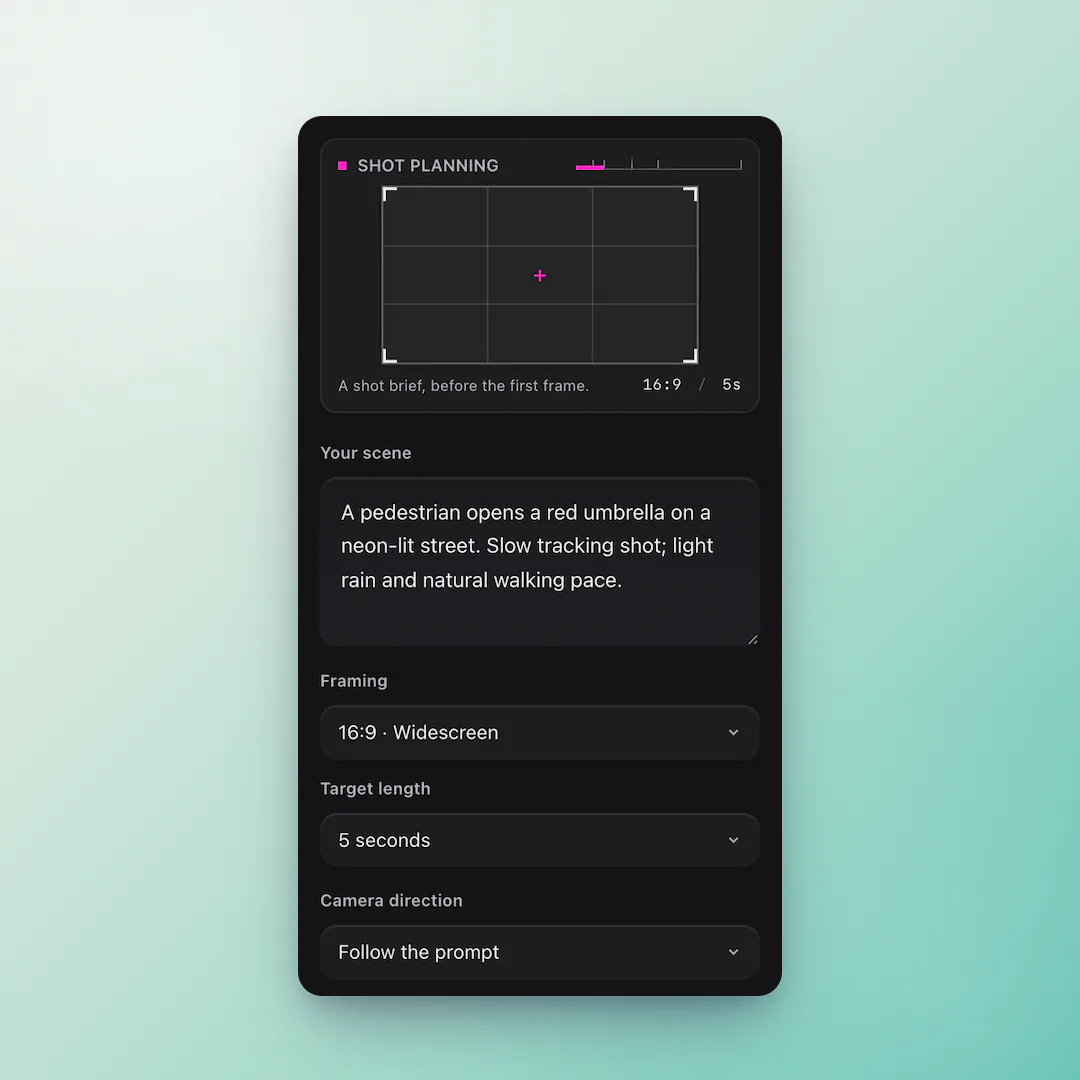
Write the scene, pick the framing, length and camera, then copy the brief or send it to the generator. It runs in your browser with no signup.

SHOT WORKBENCH / 01FREE · NO SIGNUP
Preview your text brief
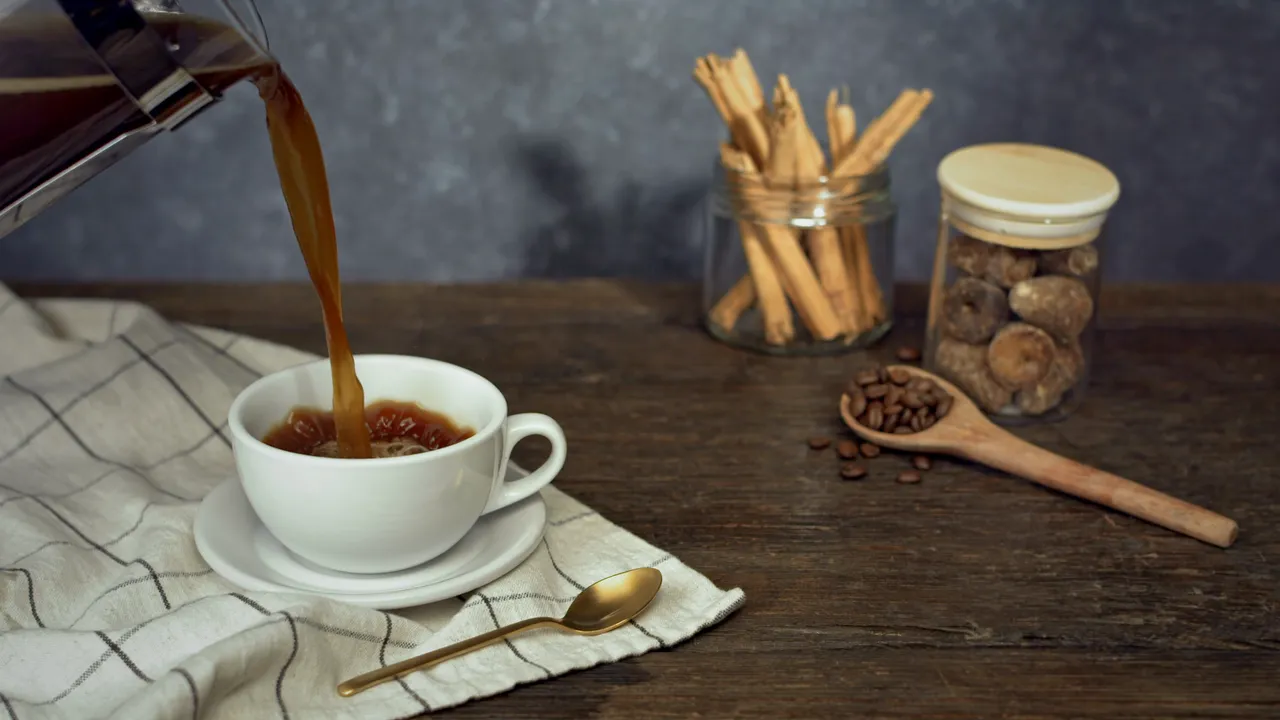
A ceramic cup on a sunlit table. Steam curls upward as the camera slowly pushes in. Warm morning light, quiet room ambience.

Framing: 16:9. Target duration: 5 seconds; use a duration supported by the selected model.
Generate this brief with Kling 4.0

This workbench plans text locally. Video generation is separate and requires an account and credits; review its model, duration and cost before submitting.

What to know before you start

  • 01

    Understand Kling4.0

    Distinguish the full Kling 4 model, Kling 4.0 Flash and earlier versions. Our generator runs the full Kling 4.0 model; Flash is not offered here.

  • 02

    Text or image, one clear shot

    Start from a scene description or plan motion for an existing image. Define the subject, action, camera and light before spending credits on rendering.

  • 03

    Useful before your first render

    Copy one of 16 original prompts or build a brief with framing, timing and a camera move. The workbench is free and runs in your browser.

From an idea to a prepared shot

  1. 01

    Define the moment

    Choose one subject and one visible action. Set the scene and lighting; for a reference image, concentrate on motion and the details that must remain consistent.

  2. 02

    Prepare the brief

    Pick an aspect ratio and a target duration, then choose one camera move. Copy the brief from the free workbench and save a version for later comparison.

  3. 03

    Render and review

    Generate with Kling 4.0, 3.0 or 2.6 and review the credit cost before submitting. Inspect the entire clip, including its last frames, before building on it.

What is Kling 4.0?

Kling 4.0, also searched as Kling4, Kling4.0 and Kling V4.0, is the new model family described in the official September announcements. Its positioning emphasizes visual realism, storytelling and reference control. An announcement does not mean every feature is immediately enabled for every account.

On GetKling4, Kling 4.0 renders 3–30 second clips at 1080p with native stereo audio, from text or one starting image, in 16:9, 9:16, 1:1 or 21:9. Official material also describes multi-keyframes, reference elements and 4K output; our generator does not offer those controls.


Make the prompt filmable

A useful video prompt reads like a shot description: a ceramic cup on a sunlit table, steam rising, a slow camera push-in. Add soft morning light and a quiet background. That gives the model a coherent moment rather than several unrelated events competing for a short clip.

Change one variable at a time when iterating. Keep the same subject and action while testing a different camera move or pace. For image to video, preserve the source composition and request subtle movement first. Compare the complete clip, including its final frames, rather than judging only a thumbnail.

Check the official sources

Release coverage reflects official information checked on October 8, 2026. Our generator's Kling 4.0 settings follow our gateway's catalog on November 25, 2026. Official access, settings and prices may differ by account.

Questions, answered

Is the Kling V4.0 video generator available now?

Yes. Since November 25, 2026, the generator on this page renders Kling 4.0 videos for signed-in accounts with credits, at 45 credits per second. Kling 3.0 and 2.6 remain available, and Kling 4.0 Flash is not offered here.

Can I use Kling V4.0 free?

Every guide, prompt and the shot workbench here is free without signup. Rendering a Kling 4.0 video here uses purchased credits, and new accounts get no free generation credits. Official Kling trials depend on your account.

Is GetKling4 the official Kling website?

No. GetKling4 is an independent resource, not affiliated with Kuaishou or Kling AI. We link to official announcements so you can verify release and availability claims.

Can I create a video from an image?

Yes. Upload one starting image in our generator and animate it with Kling 4.0, 3.0 or 2.6; the image sets the frame's shape. Our image-to-video guide explains how to write a motion-first brief.

Is a Kling 4.0 API available here?

GetKling4 sells generation on this site, not API access. The Aiduct gateway behind our generator lists Kling 4.0 as kling-v4; Flash has no entry. Our API guide explains what to check before integrating.

Turn your idea into a clear shot

Plan a scene for free, then generate it with Kling 4.0, 3.0 or 2.6 using credits.

Last reviewed November 25, 2026

Create your account