





KLING 4.0 · INDEPENDENT GUIDE

Kling 4.0 vs 3.0: choose for the work ahead

A newer announcement gives context. A fair comparison still needs matching scenes and available settings.

  • Free prompt workbench
  • No signup needed
  • Access status explained
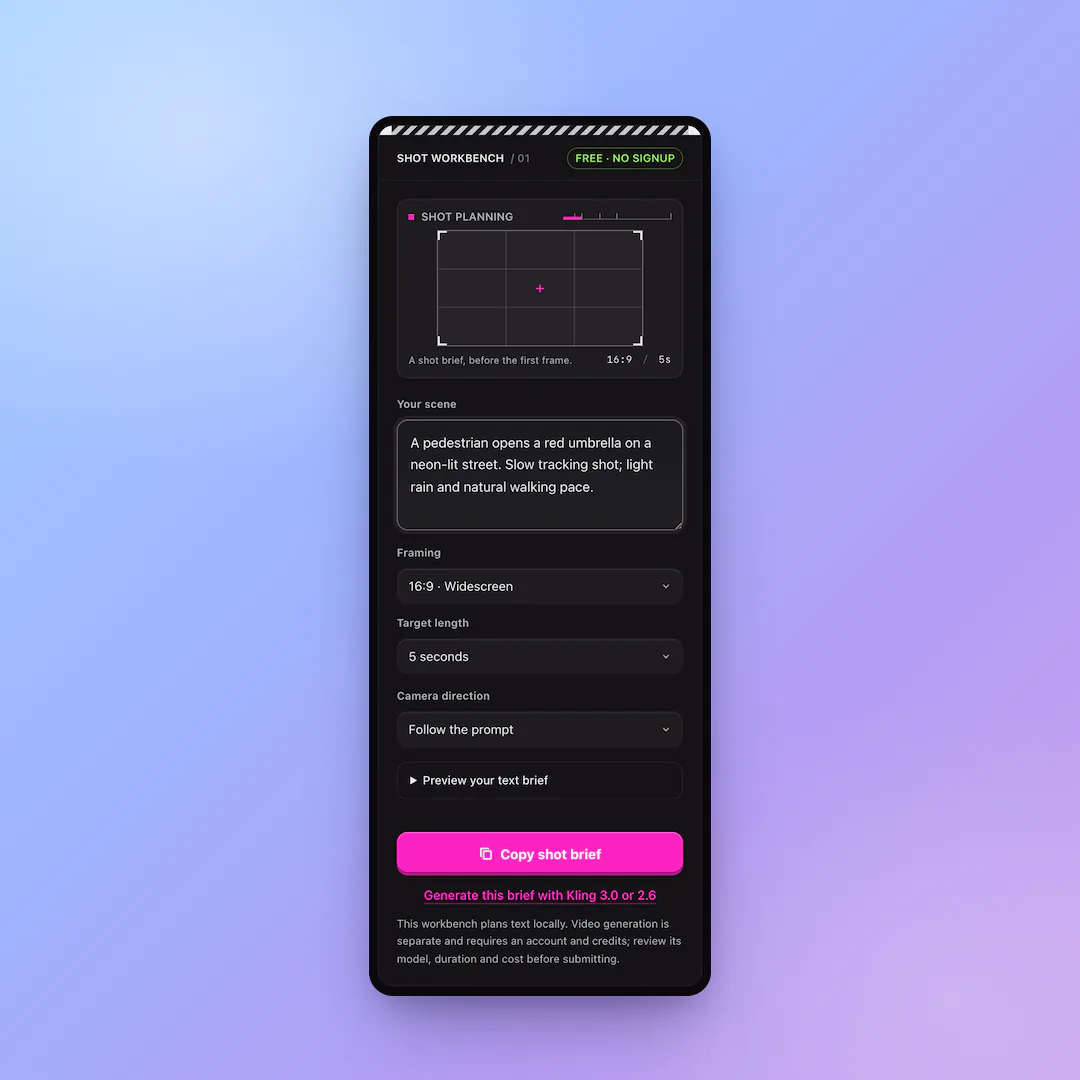
SHOT WORKBENCH / 01FREE · NO SIGNUP
Preview your text brief
A ceramic cup on a sunlit table. Steam curls upward as the camera slowly pushes in. Warm morning light, quiet room ambience.

Framing: 16:9. Target duration: 5 seconds; use a duration supported by the selected model.
Generate this brief with Kling 4.0

This workbench plans text locally. Video generation is separate and requires an account and credits; review its model, duration and cost before submitting.

At a glance

Kling 4.0 vs 3.0 compares the newest Kling family, announced September 30, 2026, with the previous one. Both generate on GetKling4: Kling 4.0 makes 3–30 second clips for 45 credits per second, Kling 3.0 makes 3–15 second clips for 50 or 66. This page compares documented specs and workflow, not benchmark renders.

Kling 4.0
3–30 s, 45 credits per second here
Kling 3.0
3–15 s, 50 or 66 credits per second
Comparison
Documented specs and workflow
Benchmark
No matching render test here

What to know before you start

  • 01

    Availability comes first

    For a production API, choose a model actually exposed by the provider. New controls help only when the account and integration can use them.

  • 02

    Match settings

    Keep duration, framing, references and audio comparable. Quality tiers and input assets can affect the result as much as a version change.

  • 03

    Test real scenes

    Use characters, products and movements from your actual work. An unrelated showcase does not establish whether a model solves your specific problem.

From an idea to a prepared shot

  1. 01

    Define the moment

    Choose one subject and one visible action. Set the scene and lighting; for a reference image, concentrate on motion and the details that must remain consistent.

  2. 02

    Prepare the brief

    Pick an aspect ratio and a target duration, then choose one camera move. Copy the brief from the free workbench and save a version for later comparison.

  3. 03

    Render and review

    Generate with Kling 4.0, 3.0 or 2.6 and review the credit cost before submitting. Inspect the entire clip, including its last frames, before building on it.

Access changes the decision

Our gateway lists both Kling 4.0 and Kling 3.0, so you can run the same prompt on each in our generator. Flash is not listed. Kling 4.0 adds longer clips, up to 30 seconds, stereo audio and a 21:9 frame. Prices per second are on each model in the generator.

Compare scenes from your own work instead of declaring a quality winner from promotional examples. Record the exact variant, duration and output mode with every test.


A repeatable comparison

Prepare three scenes: a character gesture, a product camera move and an environmental reveal. Keep the prompts and references stable. Record model, duration, quality mode and audio settings, then score each complete clip against identity, motion, detail and editing requirements.

Inspect failures as well as successes. A model that occasionally creates an impressive shot may require too many retries for your production. Compare usable output rate and revision effort alongside access and cost. Changing all settings between tests makes the result difficult to interpret.

What is established today

Kling 4.0 familyKling 3.0 family
On GetKling4Generates since November 25, 2026Generates
Duration3–30 seconds3–15 seconds
Price here45 credits per second50 or 66 credits per second
Image input hereOne starting imageOne starting image
API in our gatewaykling-v4Exact standard and pro entries
Quality verdictNeeds controlled testingNeeds comparable scenes and settings

Check the official sources

Release coverage reflects official information checked on October 8, 2026. Our generator's Kling 4.0 settings follow our gateway's catalog on November 25, 2026. Official access, settings and prices may differ by account.

Questions, answered

Is Kling 4.0 better than Kling 3.0?

Release material describes new capabilities, but we have no controlled matching-render benchmark here. Evaluate accessible models with representative scenes and comparable settings before declaring a winner.

Can I reuse Kling 3.0 prompts?

Shot-based prompts are useful starting points across versions. Check duration, references and supported controls, then test. Do not assume identical outputs or parameter contracts.

Should I switch an API app now?

Only after you validate its contract and outputs. Our gateway lists Kling 4.0 as kling-v4 with longer clips and new inputs, so test it on representative scenes before moving traffic.

Turn your idea into a clear shot

Plan a scene for free, then generate it with Kling 4.0, 3.0 or 2.6 using credits.

Last reviewed November 25, 2026

Create your account