

KLING 4.0 · INDEPENDENT GUIDE

How to use Kling V4.0, one shot at a time

Go from an idea to a prepared prompt, then make an informed first test when you have access.

  • Free prompt workbench
  • No signup needed
  • Access status explained
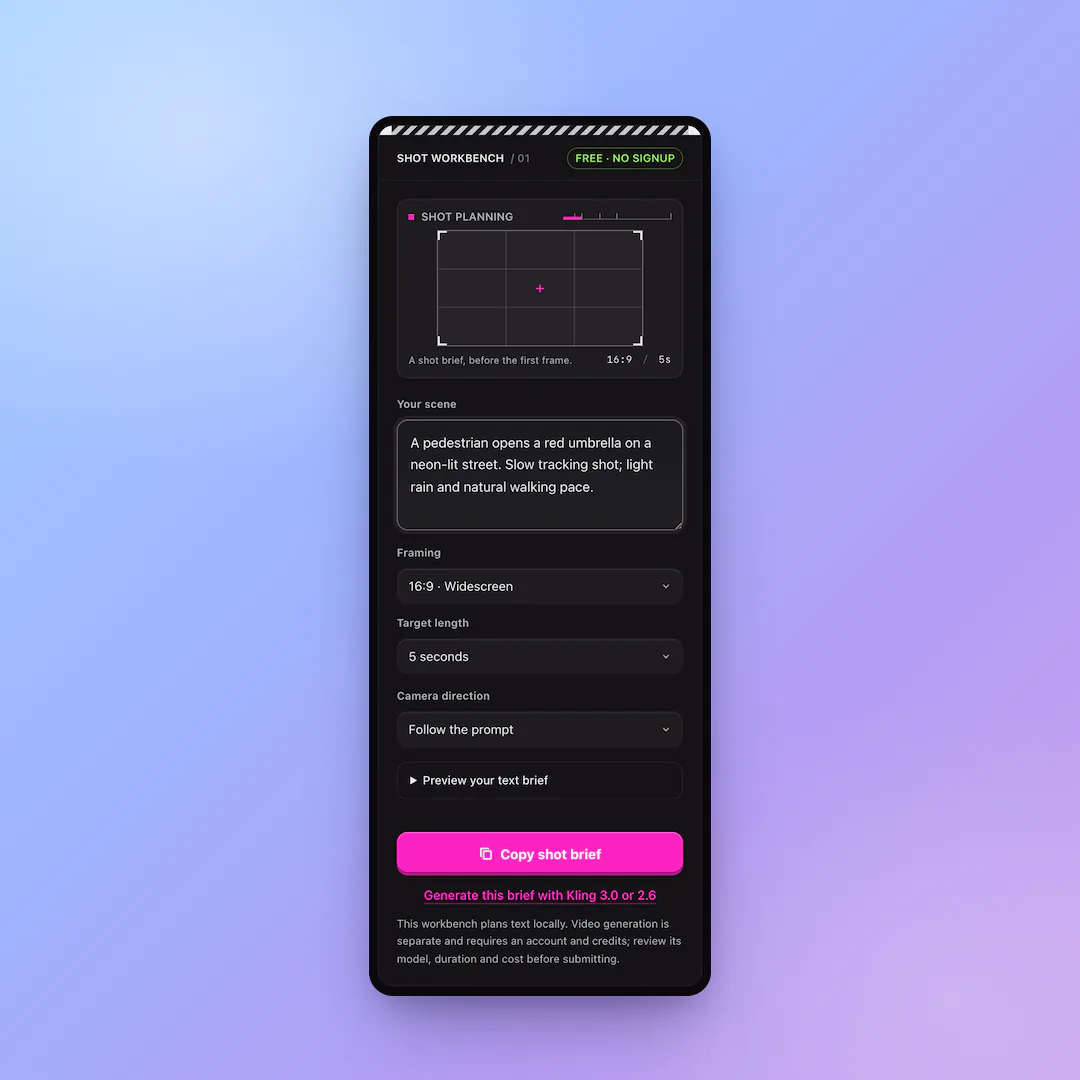
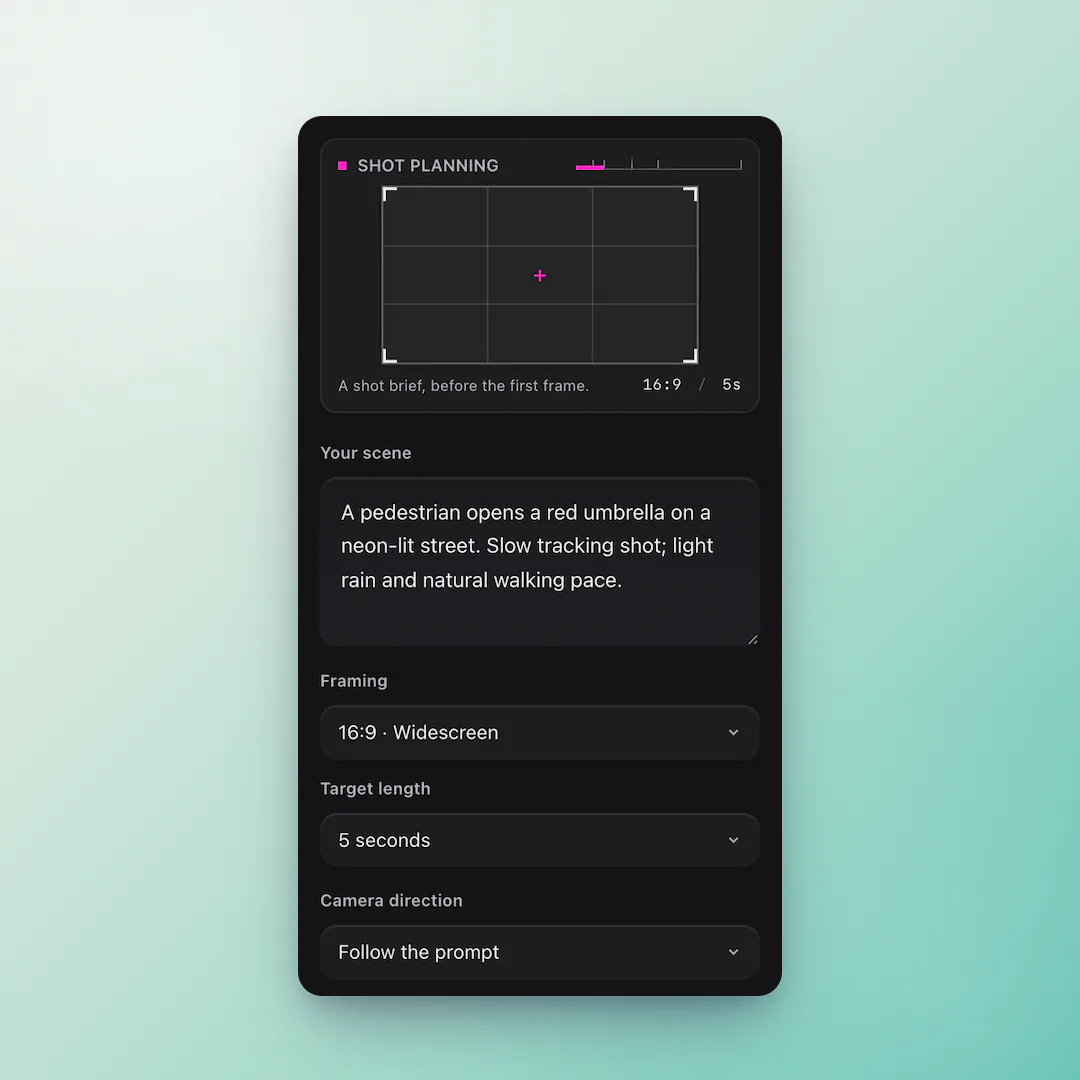
SHOT WORKBENCH / 01FREE · NO SIGNUP
Preview your text brief
A ceramic cup on a sunlit table. Steam curls upward as the camera slowly pushes in. Warm morning light, quiet room ambience.

Framing: 16:9. Target duration: 5 seconds; use a duration supported by the selected model.
Generate this brief with Kling 4.0

This workbench plans text locally. Video generation is separate and requires an account and credits; review its model, duration and cost before submitting.

At a glance

To use Kling V4.0, choose the model in a service that offers it: the official Kling app for eligible accounts, or the GetKling4 generator with credits. Choose text or a starting image, write a coherent shot and review duration, framing and cost before rendering. Planning with our workbench is free.

First check
Model and account eligibility
First prompt
One subject, one action
Before rendering
Settings, cost and asset rights
Free preparation
No account needed here

What to know before you start

  • 01

    Check the model selector

    A tutorial from another account may show controls unavailable in your rollout. Find the exact model before following a menu sequence.

  • 02

    Choose the input

    Text establishes a new scene. A reference image supplies composition or appearance. Match the workflow to the control you actually need.

  • 03

    Keep revision notes

    Save prompts and settings. Identify one visible failure and change the instruction connected to it instead of rewriting the whole scene.

From an idea to a prepared shot

  1. 01

    Define the moment

    Choose one subject and one visible action. Set the scene and lighting; for a reference image, concentrate on motion and the details that must remain consistent.

  2. 02

    Prepare the brief

    Pick an aspect ratio and a target duration, then choose one camera move. Copy the brief from the free workbench and save a version for later comparison.

  3. 03

    Render and review

    Generate with Kling 4.0, 3.0 or 2.6 and review the credit cost before submitting. Inspect the entire clip, including its last frames, before building on it.

Before pressing generate

Check whether the account offers full Kling 4.0, Flash or an earlier model. Inspect controls that are actually enabled; release coverage does not guarantee every mode is active. Review the price and keep the target duration within the range accepted by the interface.

Choose the final aspect ratio early. A vertical clip needs composition with enough space above and below the subject. A widescreen establishing shot needs a different layout. Planning the crop before rendering reduces the risk of losing important action when editing for a platform.


Your first-test checklist

Start with steam rising from a cup and a slow camera push-in. This provides a stable subject, visible motion and a measurable camera instruction. Review whether the cup keeps its shape, the action stays coherent and the camera follows the brief throughout the clip.

For the next attempt, change one detail: lock the camera, slow the action or simplify the background. Keep everything else steady. Add complexity gradually after the simple scene works. Save the final prompt and settings as a reusable template, then edit successful shots into your sequence.

Check the official sources

Release coverage reflects official information checked on October 8, 2026. Our generator's Kling 4.0 settings follow our gateway's catalog on November 25, 2026. Official access, settings and prices may differ by account.

Questions, answered

How do I access Kling V4.0?

Use the official service if your account has it, or sign in here and choose Kling 4.0 in our generator, which uses credits. GetKling4 cannot unlock the model in your official Kling account.

What should my first video show?

Choose one simple action in a stable scene, such as steam rising or a person turning toward a window. Use one camera move so adherence is easy to judge.

Can I follow this tutorial for free?

Planning and the prompt workbench are free here. Rendering here uses purchased credits; official Kling trials depend on your account. Verify the cost before submitting a generation.

Turn your idea into a clear shot

Plan a scene for free, then generate it with Kling 4.0, 3.0 or 2.6 using credits.

Last reviewed November 25, 2026

Create your account