

KLING 4.0 · INDEPENDENT GUIDE

Kling 4.0: the release, explained

A practical guide to the Kling 4 family and the details that matter when you are ready to create.

  • Kling 4.0 with native audio
  • 3–30 second clips
  • Free prompt workbench

Create

One optional starting image (PNG, JPEG, WebP, up to 10 MB)
Model
Aspect ratio
Length

225 credits

Buy credits

Your videos

Your next shot plays here

Describe a shot and its sound, choose a model and length, then generate. Videos are saved to your account.

Start from an idea

At a glance

Kling 4.0 was announced on September 30, 2026. Official posts describe visual realism and storytelling control, with the full model scheduled for October. Kling 4.0 Flash is a separate variant with its own eligibility. Since November 25, 2026, GetKling4 generates full Kling 4.0 clips with credits; not every announced feature is in our generator.

Announcement
September 30, 2026
Family
Kling 4.0 and Kling 4.0 Flash
Generate here
Since November 25, 2026
Evidence
Official release posts

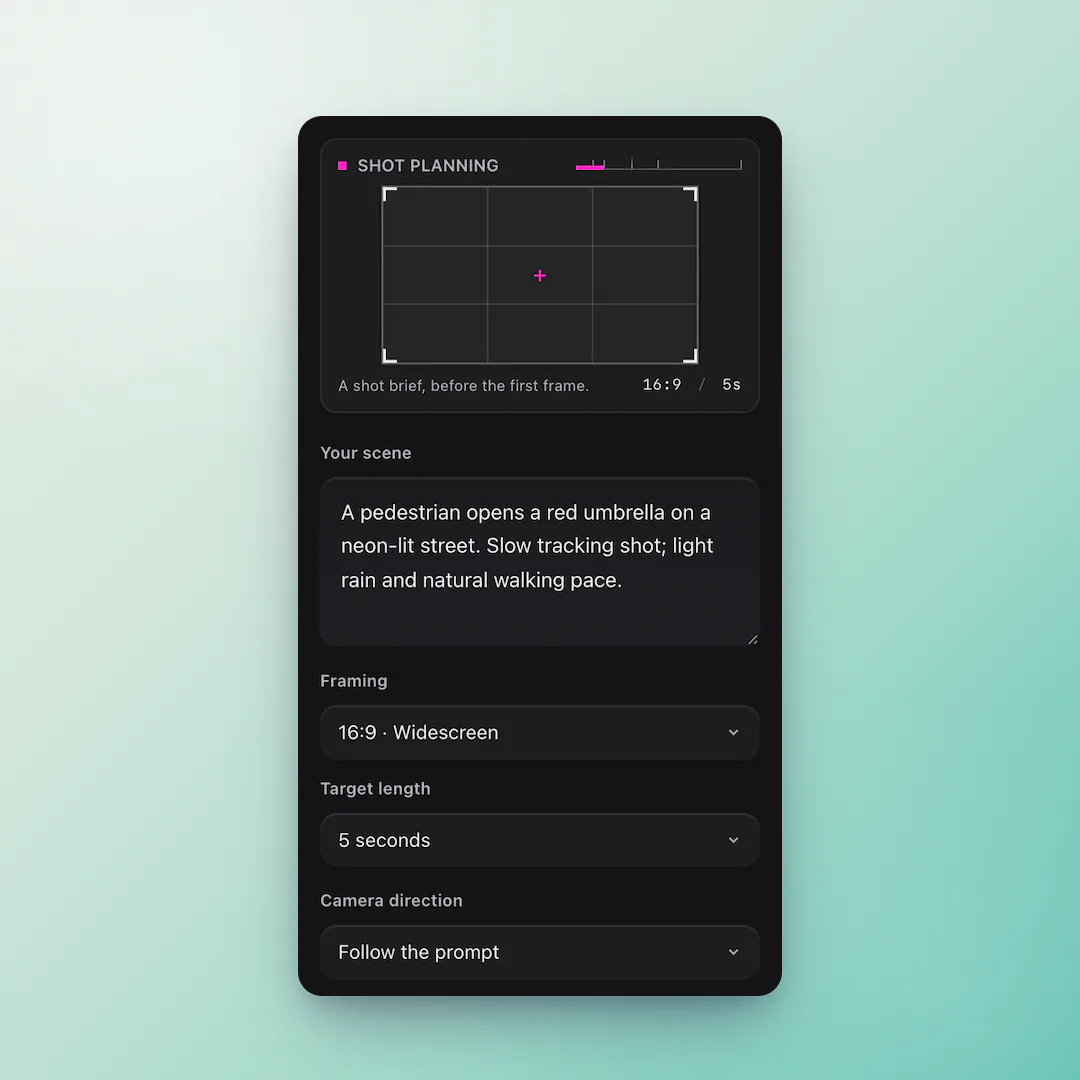
Plan the shot for free

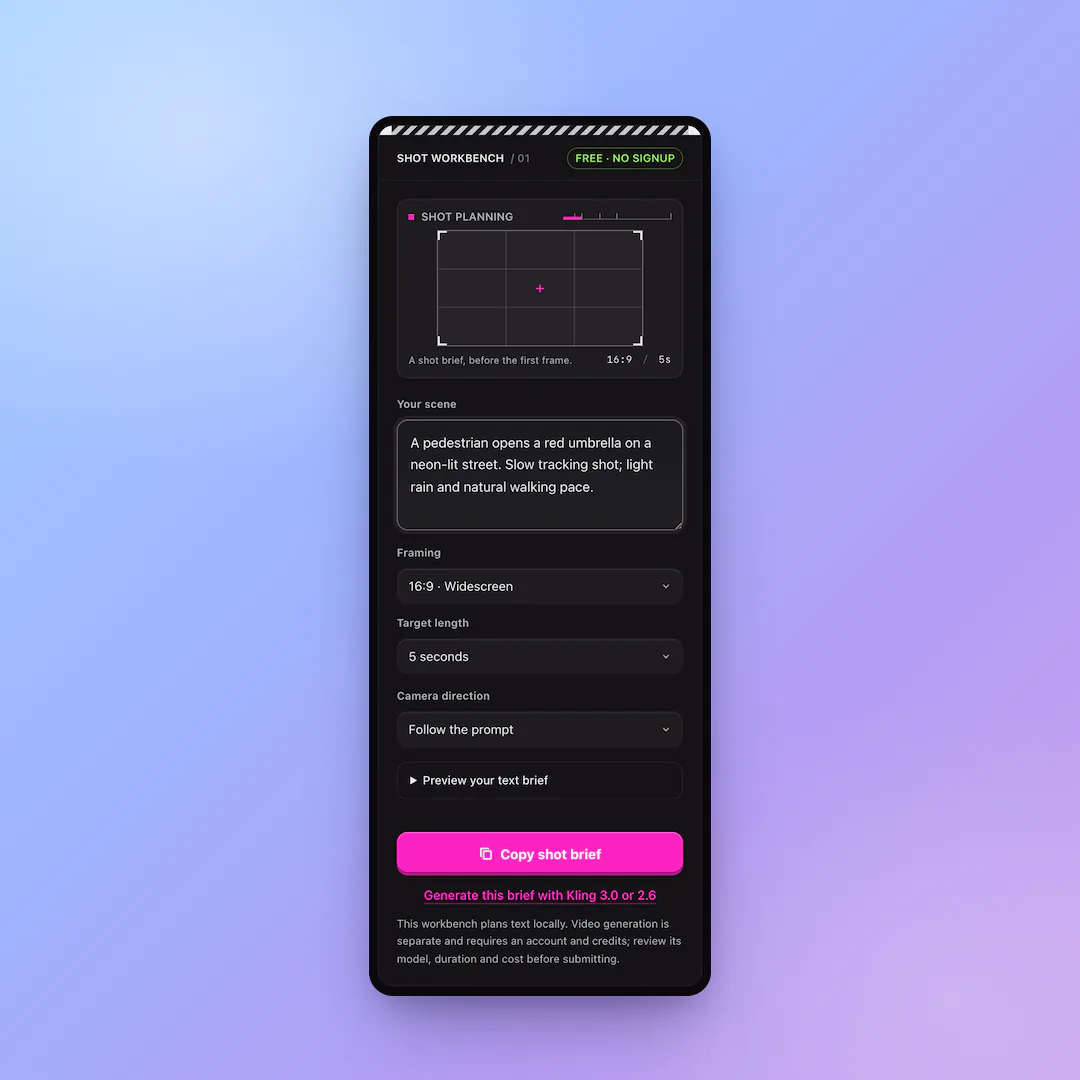
Write the scene, pick the framing, length and camera, then copy the brief or send it to the generator. It runs in your browser with no signup.

SHOT WORKBENCH / 01FREE · NO SIGNUP
Preview your text brief
A ceramic cup on a sunlit table. Steam curls upward as the camera slowly pushes in. Warm morning light, quiet room ambience.

Framing: 16:9. Target duration: 5 seconds; use a duration supported by the selected model.
Generate this brief with Kling 4.0

This workbench plans text locally. Video generation is separate and requires an account and credits; review its model, duration and cost before submitting.

What to know before you start

  • 01

    Longer scenes, more planning

    Launch material discusses 3–30 second generation. Our generator offers clips of 3, 5, 10, 15, 20 and 30 seconds.

  • 02

    Expanded reference control

    More reference and keyframe control is described in the announcement. Prepare consistent source assets and separate appearance references from motion instructions.

  • 03

    Output modes can arrive separately

    4K and HDR output appear in release material. Our generator renders 1080p with native stereo audio; check official plans for other modes.

From an idea to a prepared shot

  1. 01

    Define the moment

    Choose one subject and one visible action. Set the scene and lighting; for a reference image, concentrate on motion and the details that must remain consistent.

  2. 02

    Prepare the brief

    Pick an aspect ratio and a target duration, then choose one camera move. Copy the brief from the free workbench and save a version for later comparison.

  3. 03

    Render and review

    Generate with Kling 4.0, 3.0 or 2.6 and review the credit cost before submitting. Inspect the entire clip, including its last frames, before building on it.

Release date and availability

The September 30 announcement establishes the release date for the Kling 4.0 family. Early-October hands-on coverage describes limited full-model access, while Flash has separate conditions. Released in a headline can therefore mean an announcement, a preview or an account-specific rollout.

If you cannot find the model in your official account, check the current product and plan eligibility, or generate the full Kling 4.0 model here with credits. Avoid purchasing a plan solely on an unverified assumption that every newly announced feature will be available to you immediately.


What to test when you get access

Choose tests that reveal whether the new controls help your work. For a recurring character, inspect identity during camera movement. For a product, examine material, reflections and labels. For dialogue, evaluate timing and whether the action stays coherent throughout the clip.

Hold prompts, source assets and output settings steady when comparing versions. Changing the subject, duration and quality mode at once makes it difficult to identify what the model improved. A small repeatable scene set is more informative than unrelated promotional examples or a single attractive frame.

Check the official sources

Release coverage reflects official information checked on October 8, 2026. Our generator's Kling 4.0 settings follow our gateway's catalog on November 25, 2026. Official access, settings and prices may differ by account.

Questions, answered

When was Kling 4.0 announced?

The family announcement is dated September 30, 2026. Kling scheduled the full model for October; GetKling4 has generated it since November 25, 2026. Kling 4.0 Flash has its own account conditions and is not offered here.

Are Kling4, Kling4.0 and Kling V4.0 the same topic?

They are common search spellings for the Kling 4.0 model family. In a product or API, use the exact model name and distinguish the full model from Flash.

Does the announcement guarantee 4K output today?

No. Announced capabilities and live controls can differ. GetKling4 renders Kling 4.0 at 1080p; check whether the resolution you need is offered by the exact model and mode in your account.

Turn your idea into a clear shot

Plan a scene for free, then generate it with Kling 4.0, 3.0 or 2.6 using credits.

Last reviewed November 25, 2026

Create your account